RJN INTERNATIONAL
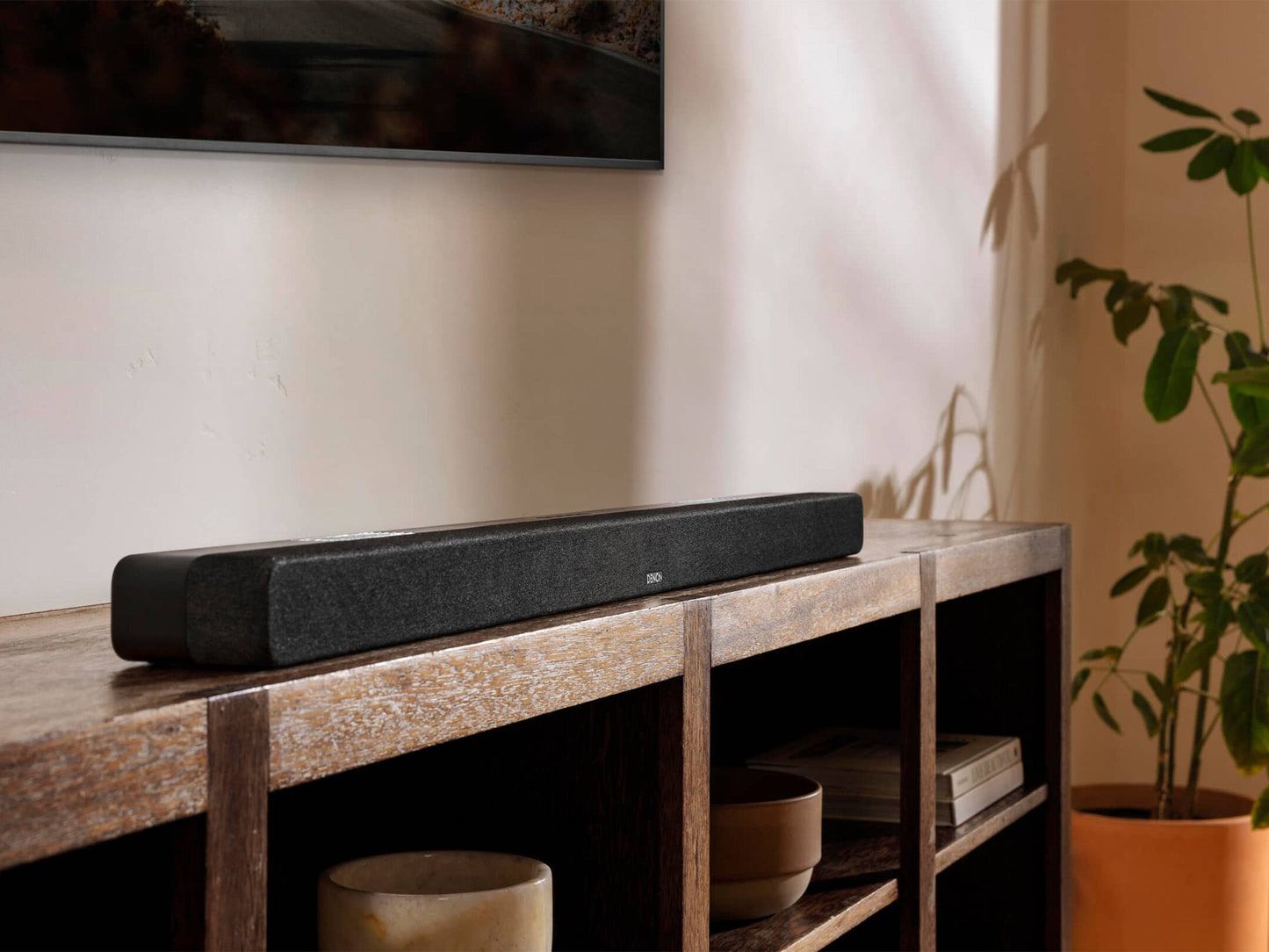
Denon DHT-S517 Dolby Atmos Sound Bar & Wireless Subwoofer - 1 year official warranty
Denon DHT-S517 Dolby Atmos Sound Bar & Wireless Subwoofer - 1 year official warranty
Couldn't load pickup availability
Denon DHT-S517 Sound Bar with Wireless Subwoofer, Dolby Atmos, eARC & Bluetooth
Transform your TV into a powerful home entertainment system with the Denon DHT-S517. Featuring Dolby Atmos, a dedicated wireless subwoofer, and 3.1.2 channel speaker configuration, the DHT-S517 delivers immersive 3D surround sound with enhanced bass, crystal-clear dialogue, and detailed audio. Easily connect your TV via HDMI eARC or optical input, and stream your favorite music wirelessly via Bluetooth.
Features
• 3.1.2 channel sound bar system with wireless subwoofer
• Dolby Atmos for immersive 3D surround sound
• HDMI eARC support
• HDMI 1 In / 1 Out
• Bluetooth wireless music streaming
• Optical digital audio input
• Auxiliary (AUX) input
• Denon Dialogue Enhancer with 3 dialogue modes
• Movie, Music & Night sound modes
• Pure Mode for pure music listening
• Easy one-cable HDMI setup
• Compatible with all TVs using HDMI eARC or Optical connection
Technical Specifications
Sound Bar Dimensions
• Bar (W × D × H): 41.3 × 2.3 × 3.8 in
Subwoofer Dimensions
• Subwoofer (W × D × H): 6.7 × 14.5 × 11.4 in
Drivers – Sound Bar
• Left/Right Tweeters: 2 × 1" (Round)
• Left/Right Midrange: 2 × 4.7" × 1.6" (Racetrack)
• Center Full-Range: 1 × 1" (Round)
• Left/Right Up-Firing Full-Range: 2 × 2.5" (Round)
Subwoofer Driver
• 1 × 5.25" (Round)
Power Output
• Sound Bar: 50W
• Wireless Subwoofer: 100W
Connectivity
• HDMI 1 In / 1 Out
• Enhanced Audio Return Channel (eARC)
• Optical Input
• Auxiliary Input
• Bluetooth Streaming
What's in the Box
• Denon DHT-S517 Sound Bar
• Wireless Subwoofer
• Remote Control
• Sound Bar Power Cord
• Subwoofer Power Cord
• HDMI Cable
• Optical Cable
• 1 × CR2023 Battery (Pre-installed in Remote)
• Quick Start Guide
• Registration Card
• Safety Documentation
• Wall-Mount Template
Downloads Available
• Owner's Manual
• Quick Start Guide
Share